Screw Feeder
Before you can pick up screws with the Load screw program node, you must first set up a screw feeder.
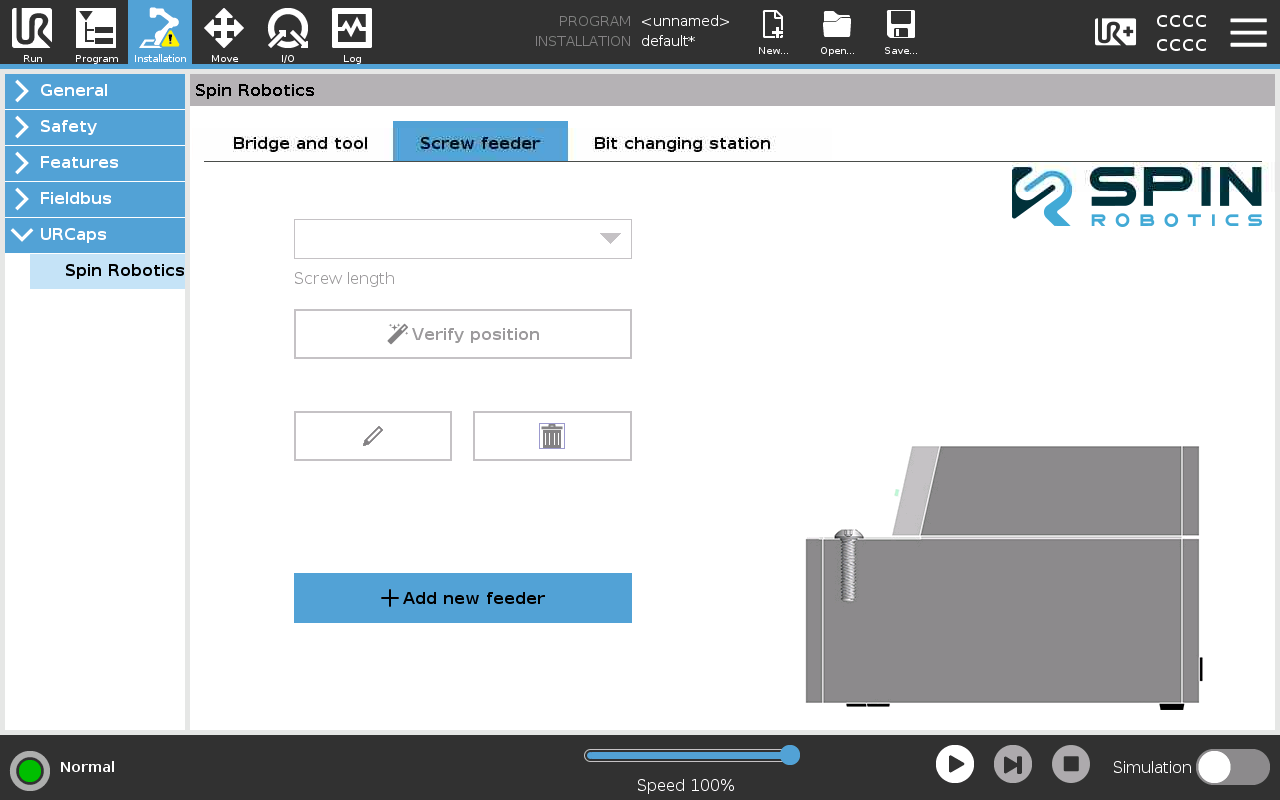
Installation of a Screw feeder 1.
Select Installation/URCaps/Spin Robotics/Screw feeder.
Press +Add new feeder.
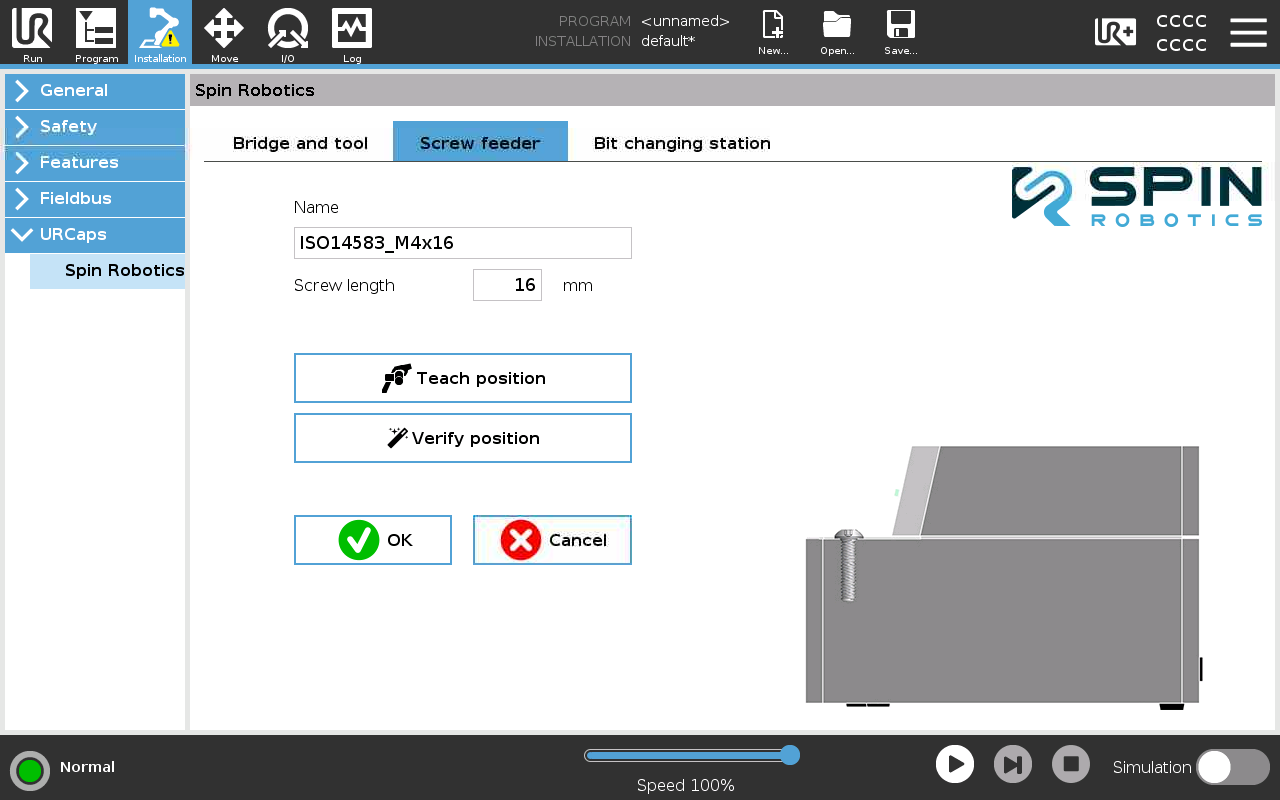
Installation of a Screw feeder 2.
Enter a name for the Screw feeder.
Enter the screw length.
Teach the position of the screw in the screw feeder by pressing Teach position. See Teaching a Position.
Optionally, you can make the robot move the tool into the screw by pressing Verify position.
Press OK.
Note
When teaching the screw position, make sure that the screw is presented by the feeder in the same position as it will be when it is picked up by the robot.
You can add as many screw feeders as you want. You can edit or delete a screw feeder by selecting it from the drop down list